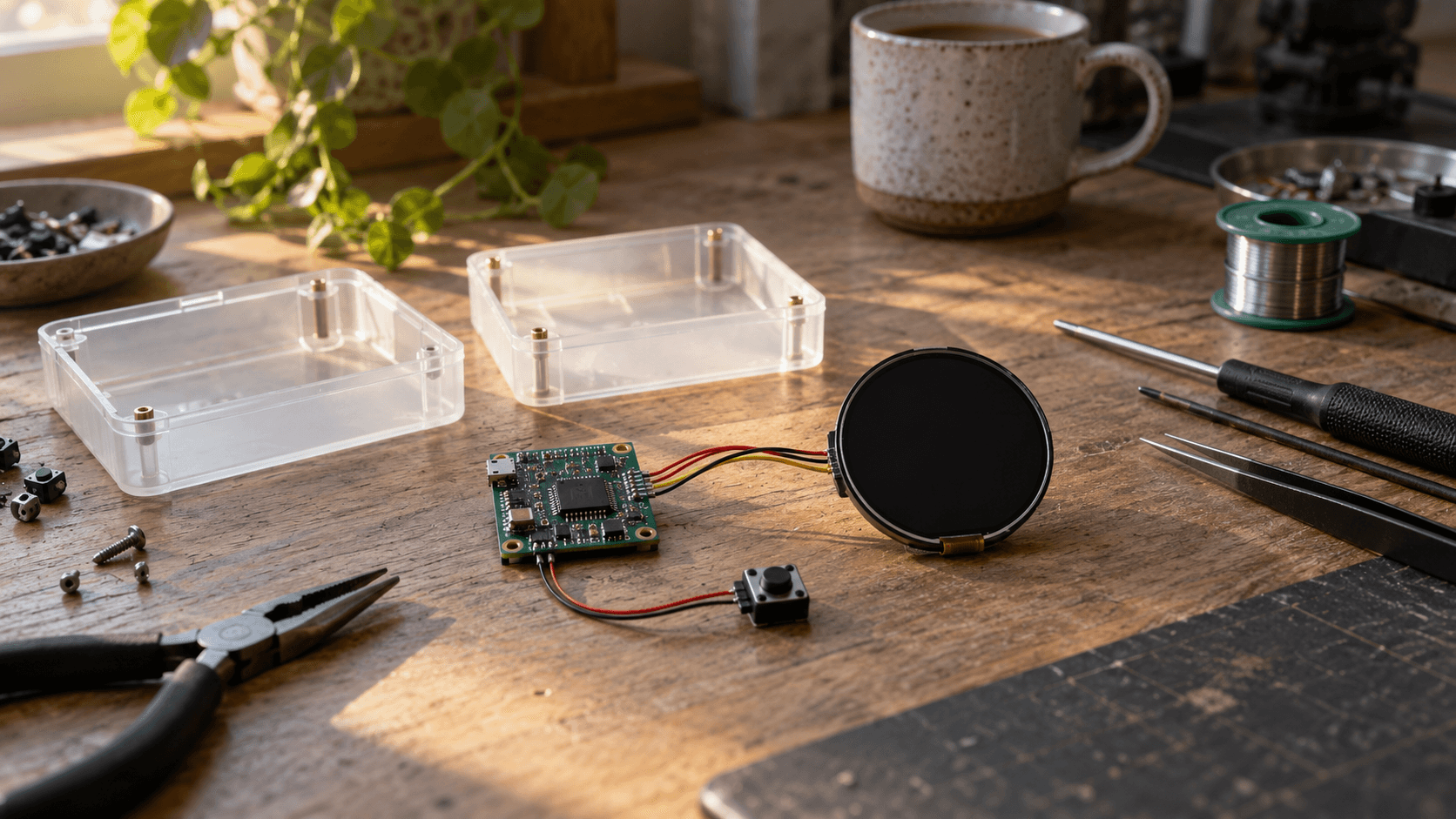
Meta has given hardware tinkerers something more useful than another concept video: code they can inspect and put on a device. Muse Gadgets, introduced on October 2, connects the company's personal agent to DIY hardware through ESP32 firmware and a Linux SDK. But the interesting question is not whether an assistant can acquire a button, a screen or a place on the kitchen counter. It is what a builder actually controls once the prototype works. The answer differs across the code, the account, the physical board and the service that makes the gadget useful.
TechCrunch independently reported the launch, and Meta's public repository contains both device implementations. The launch site proposes projects ranging from an e-ink display to a TV-connected stick, although the TV project is explicitly marked as forthcoming. This is a toolkit and a set of examples, not proof that every illustrated idea is ready to use. The distinction matters for anyone choosing components: a project gallery describes possibilities, while the board documentation describes the current implementation. A successful experiment starts by matching those two, rather than buying hardware around the broadest interpretation of the announcement.
The repository's root documentation says every gadget needs an SDK token and pairs through the Muse mobile app after Developer mode is enabled. It presents the SDK and firmware under Apache 2.0, while identifying exceptions for third-party files and excluding the Jollybot avatar from that license. That gives builders a concrete software starting point, but it should not be mistaken for possession of the model or independent operation of the service. Publishing device code opens one layer of the system. The pairing and account requirements remain part of the operating arrangement.
The separate SDK-token terms are unusually important here. They specify personal, non-commercial use, cap a token at 50 linked devices and restrict selling or publicly offering devices without prior written permission. They also describe an unsupported service that can change or be withdrawn. Meta explicitly separates those access conditions from the Apache license on the code. Our reading for a founder is straightforward: this release supports experimentation, but the code license alone is not a commercial distribution agreement. A business plan that depends on continued Muse connectivity needs that dependency resolved before customers are promised a product.
The Linux path is particularly consequential because it is not merely a display client. Meta documents shell execution, file reads and writes, and device-health reporting. Commands inherit the permissions of the account chosen during installation; the README warns that an account's sudo capability also becomes available to Muse. It describes selecting a different account, including one without sudo. The service remains connected across reboots. A spare computer used for experimentation therefore deserves a deliberate account choice, rather than whichever login happens to make installation easiest. This is delegated machine access, not just a new speaker.
The published executor implementation adds useful detail. It launches shell commands through bash, returns output and exit status, and reports whether execution timed out or output was truncated. The default command timeout is 120 seconds, capped at 600 seconds, while captured output is limited to 96 KiB per stream. File operations run in child processes using the selected account settings. Those are visible implementation choices, not evidence from an independent penetration test. They tell an integrator what feedback to expect and where a seemingly complete answer may actually represent a bounded slice of machine output.
A timeout is not a transaction rollback. If a proposed maintenance command makes a change and then runs too long, stopping the process does not establish that the earlier change was reversed. Likewise, a clipped log cannot support conclusions about lines that were never returned. These are implications of the documented command interface, not claims that Muse has caused such an incident. For a diagnostic gadget, an appropriate first test is a harmless operation with a known result. Establish how success, partial output and failure appear before assigning work whose intermediate effects matter.
The microcontroller path carries a different set of constraints. The ESP32 README specifies ESP-IDF 6.0.1 as its supported toolchain. It says the SDK token is embedded in firmware and recommends encryption for non-volatile storage holding Wi-Fi credentials and device tokens. The DIY builds use an included development signing key and do not enable Secure Boot. Those defaults serve a reflashing-friendly development workflow; they should not silently become a product-security specification. These statements concern the published DIY firmware, not an audit of the separate official Home Link device.
Pairing also deserves a precise description. The Linux instructions say setup creates a fresh encrypted session, but warn that community devices have no manufacturer verification and cannot prevent an active man-in-the-middle attack during pairing. They advise using a trusted network. Encryption and verified device identity are distinct properties, so the presence of the former should not be advertised as proof of the latter. A builder lending a gadget to another person should be able to explain how it was paired and which account owns it, rather than relying on the reassuring appearance of a connected indicator.
Hardware support is not a single yes-or-no box. The board feature table distinguishes network tunneling, images, audio, controls and update behavior. Boards without PSRAM lack the home-network tunnel, even though Muse can still reach and control the gadget itself. The experimental Cardputer ADV port, for example, omits images and spoken replies as well as that tunnel. A tiny screen may therefore be a workable conversation endpoint without being the home-network bridge a buyer imagined. Choosing the physical device is also choosing which parts of the software's capability will actually be available.
There is a concrete documentation mismatch worth catching before a purchase. The launch gallery promotes the color e-ink reTerminal E1002, but its source link points to the E1001 configuration. The repository documents E1001 output as black and white. That is not proof that color support is impossible or will never arrive. It is evidence that the gallery and linked implementation should not be treated as an interchangeable bill of materials. Confirm the exact board and firmware combination. The difference between two similar product names can become an afternoon of debugging or a device that cannot deliver the intended experience.
Meta's own Home Link makes another distinction visible. Its product page describes an ESP32-C5 device powered through USB, with 8 MB of PSRAM and 8 MB of flash. It connects Muse to compatible local devices and HTTP APIs, but runs only official firmware and cannot be reflashed. The offer is limited to active Muse subscribers in the United States, one per subscriber, with October shipping advertised on a first-come basis. The claim flow says it reserves a place in line rather than creating an order. That is an offer and a shipping target, not evidence of completed deliveries.
The Home Link page also cautions against relying on community skills for home security, emergencies or medical needs. A device appearing in an integration list is not a safety certification or a promise that its skill will remain reliable. For an experiment, turning on a desk lamp and discovering an incompatibility can be informative. Assigning a safety-critical role creates an entirely different obligation. The official warning should constrain the use case from the beginning, not be relegated to a note after someone has built their household routine around the gadget.
Update ownership is another part of the build. The ESP32 documentation says over-the-air updates are off by default, while boards with the full on-screen interface enable them. It also explains that changing board defaults can require regenerating the build settings. An integrator cannot infer the effective configuration from the repository's headline alone. Record which firmware and configuration went onto the actual board. When behavior changes, that record gives the investigation a starting point beyond the fact that both devices were called Muse gadgets. It also helps separate a hardware limitation from a configuration difference.
The useful commercial signal is therefore more modest than a universal AI-device platform. Meta is letting people test physical interfaces around its agent without first designing an entire connected-device stack. That can reveal whether a dedicated display, tactile control or local integration earns a place in someone's day. It does not answer whether users want another object to charge, maintain or explain to a housemate. Those are product questions an inexpensive prototype can investigate. The release is valuable precisely because a builder can learn about the interaction before committing to a polished enclosure and a production run.
None of the materials reviewed establishes broad reliability across the showcased devices, and this report is not a hands-on validation of the firmware. The available evidence is the published implementation, documentation, terms and independent launch coverage. Keep that limit attached to the excitement. A sensible experiment has a recoverable configuration, a bounded account and an ordinary manual way to do the underlying task when the gadget is disconnected. Those are recommendations for learning safely, not claims that Meta promises automatic recovery or a particular service-availability level.
The first milestone should be an interaction worth keeping, not an impressive pile of connected peripherals. Give the prototype one useful job, observe what happens when the network or account connection disappears, and check whether it remains understandable to someone who did not build it. Muse Gadgets makes that kind of test more accessible. The hard boundary is knowing when a bench experiment is being asked to behave like a supported product. Crossing it requires more than a working demo: it requires a clear service arrangement, maintainable hardware and an owner for everything that can stop working.
LaunchPad positionUse the release to test useful physical interactions, and resolve service rights, hardware configuration and maintenance responsibility before treating a prototype as a product.
This report draws on the linked primary sources and reputable reporting. Company statements are treated as claims until independently demonstrated.